
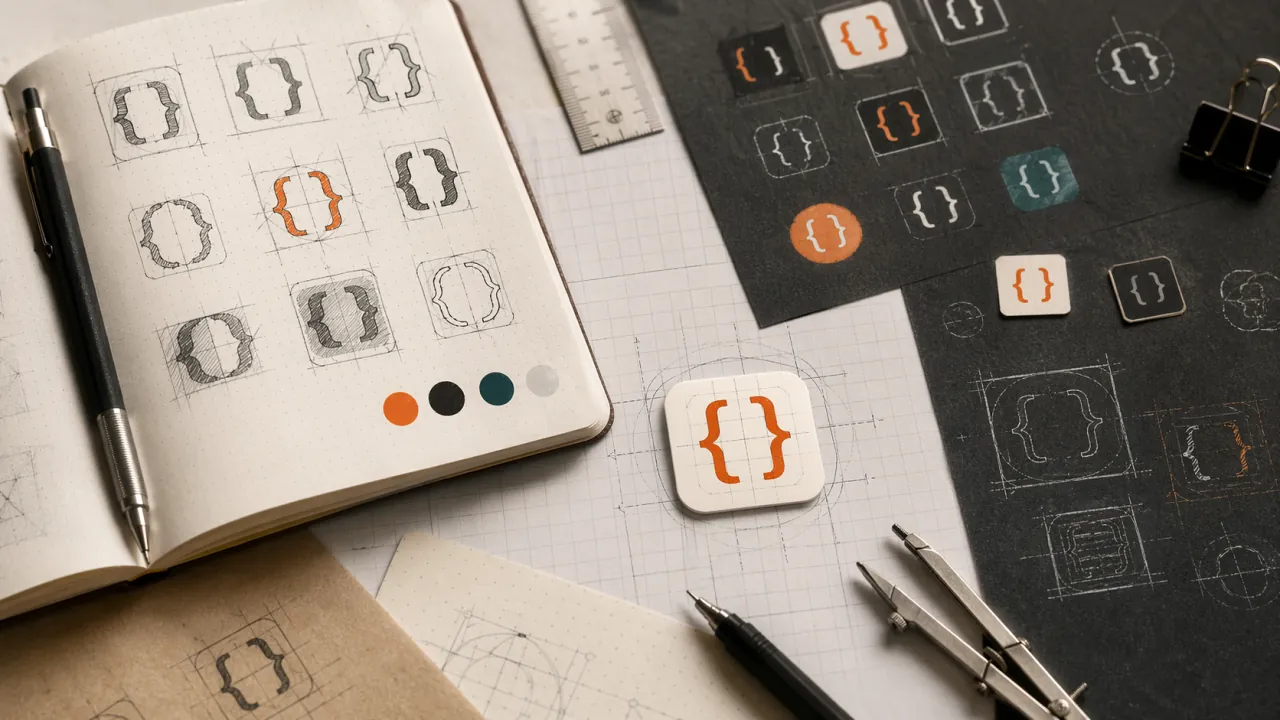
Every site needs a favicon. Mine started as a throwaway thought and ended up being a small study in how I actually work.
The constraints
I wanted something minimal, memorable, and personal. Two hard brackets — [ ] — fit the first two criteria. They're clean, they're code-adjacent, and they've shown up in my personal branding before. But I needed them in a shape that works at 16×16 pixels.
The challenge: two brackets with enough padding to read as distinct shapes, not just a smudge. A square with rounded corners, maybe. A background color that pops without screaming.
Attempt one: Claude
I started with Claude, describing what I wanted: a 32×32 SVG, rounded rectangle background, two white brackets centered, specific corner radius. Claude generated something plausible.
It wasn't quite right. The brackets felt off-balance. The corner radius wasn't hitting the mark. I iterated a few times, tweaking descriptions, but each revision felt like gambling — change the words and hope the output shifts in the right direction.
Attempt two: ChatGPT
Same prompt, different model. ChatGPT's version was closer, but still not there. The brackets were too heavy or the spacing was wrong. More iterations. More word changes.
Both tools were doing what I asked. The problem was me: I didn't know exactly what I wanted until I saw what I didn't want. The loop of describe → generate → evaluate → redescribe was slow and fuzzy.
The switch
I opened the SVG in a text editor and started changing numbers directly.
The brackets became path elements with stroke instead of text — more predictable sizing. The background color shifted from blue to a deeper Firefox-inspired shade. The corner radius went from 4 to 5 to 6 pixels, tested by refreshing the browser tab.
Within minutes I had what the AI iterations couldn't land. Not because the AI was bad, but because direct manipulation beats description when you're hunting for a feel.
The final icon
A 32×32 SVG, 5px corner radius, #0060DF background. Two white bracket strokes, 3px thick, stroke-linecap: square for that clean terminal look.
It renders at any size. It's readable at favicon scale. It feels like this site.
What I learned
AI tools are great for starting. When you know what you want but not how to make it, they shortcut the blank page. But for finishing — for that last 10% where taste matters — direct control wins.
The favicon is tiny. But the pattern is bigger: generate possibilities with AI, then refine by hand. That's the workflow that actually fits me.