
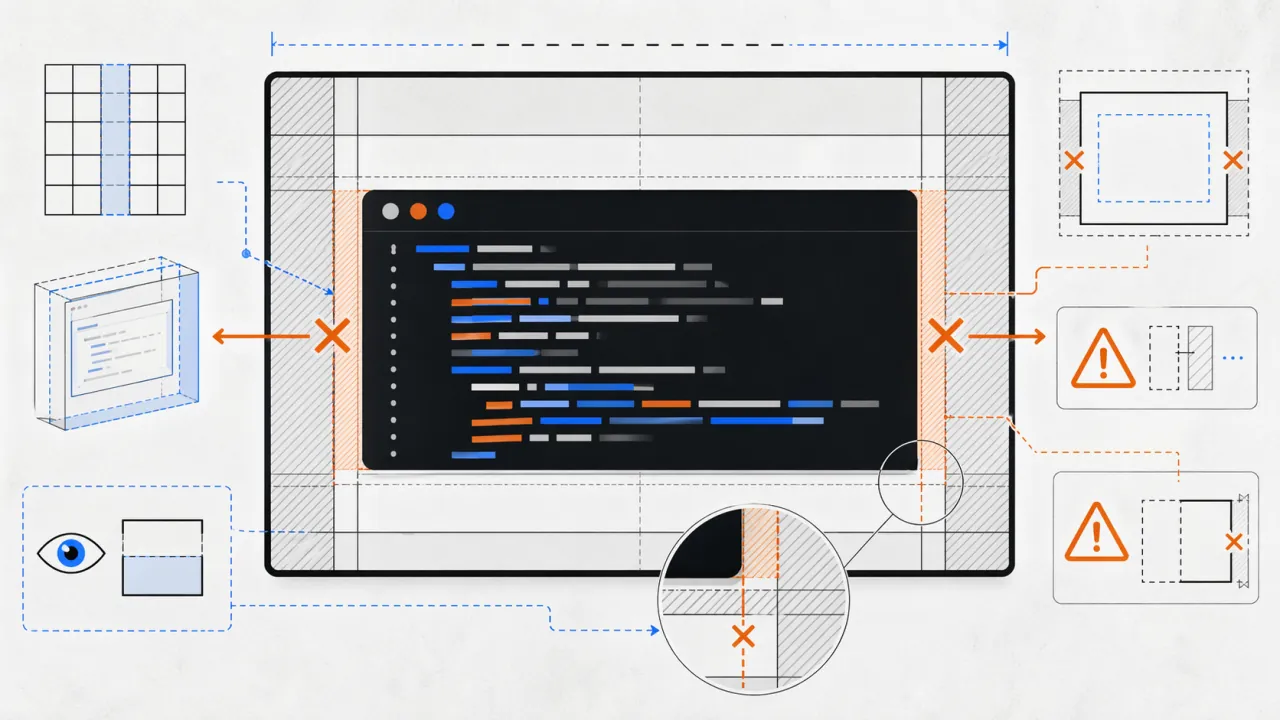
I had a code block that clearly should scroll. The CSS was already there:
.prose pre {
  overflow-x: auto;
}
And yet on mobile, the long line didn't create an internal scrollbar. It made the whole page wider instead.
The problem wasn't the code block
This is the part that took a minute to remember: grid items don't shrink the way you'd expect.
If a pre sits inside a grid item, that grid item defaults to min-width: auto. In practice, that means the grid child is allowed to grow to fit the long unbroken line inside the code block. So instead of the pre overflowing and scrolling, the parent layout expands.
The scroll logic was fine. The layout was the problem.
The fix
The fix was one line in the right place:
body > main,
body > main > * {
  min-inline-size: 0;
}
You can also write it as min-width: 0, but I am already using logical properties here, so min-inline-size fit better.
Once the grid item is allowed to shrink, the browser can finally do what overflow-x: auto was asking for all along: keep the layout constrained and let the code block scroll horizontally.
The lesson
When something inside a grid or flex layout refuses to scroll, check the parent before you blame the child.
A lot of overflow bugs are really sizing bugs. The element with overflow-x: auto is often innocent.