
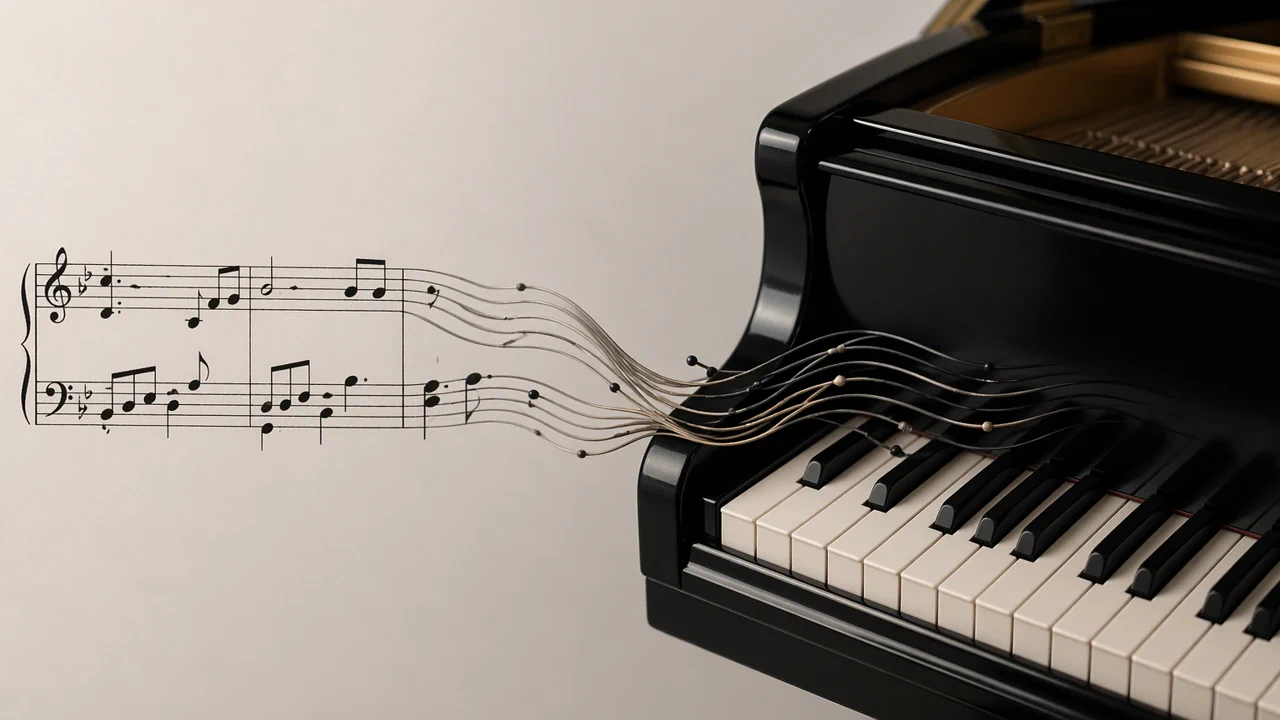
The score pipeline used to stop at display. Today, it goes all the way to sound. A single LilyPond file now compiles into sheet music (SVG, PDF), raw performance data (MIDI), and playable web audio (MP3, OGG) you can listen to right in the browser.
Expanding the output
The flow remains simple: write LilyPond, compile it, publish the results. But the output is much wider. The build task now emits five artifacts for each piece:
-
SVGfor inline display on the page -
PDFfor printing -
MIDIfor raw performance instructions -
MP3for broad browser support -
OGGfor an open audio format
A score page is no longer just something to look at. It is something to read, download, and hear.
Finding the sound
LilyPond can write MIDI, but MIDI is not audio. It is a set of instructions: play this note, at this time, with this instrument.
To turn that into sound, the build now pipes the MIDI through fluidsynth with a piano SoundFont, then hands the result to ffmpeg for MP3 and OGG encoding.
That small change shifts everything. The pipeline feels complete. Text in, sheet music out, audio out.
Piano first
I do not need a hundred synthetic instruments. I just need one decent piano.
Our setup leans hard into that constraint. The score asks for acoustic grand, the local build uses a dedicated piano SoundFont, and the audio path is tuned for that single instrument instead of general MIDI convenience.
It is still a simple system. But it is simple in the right direction.
Closing the loop
The score page keeps the engraved notation, adds fast download links for the new files, and includes a plain native browser audio player.
That is the part I appreciate most. The same text source file now serves three jobs simultaneously:
- Readable source in the repository
- Engraved sheet music on the page
- Playable piano audio in the browser
It is not a massive feature on paper. But it completes the experience. Write the music. Compile it. See it. Hear it.