
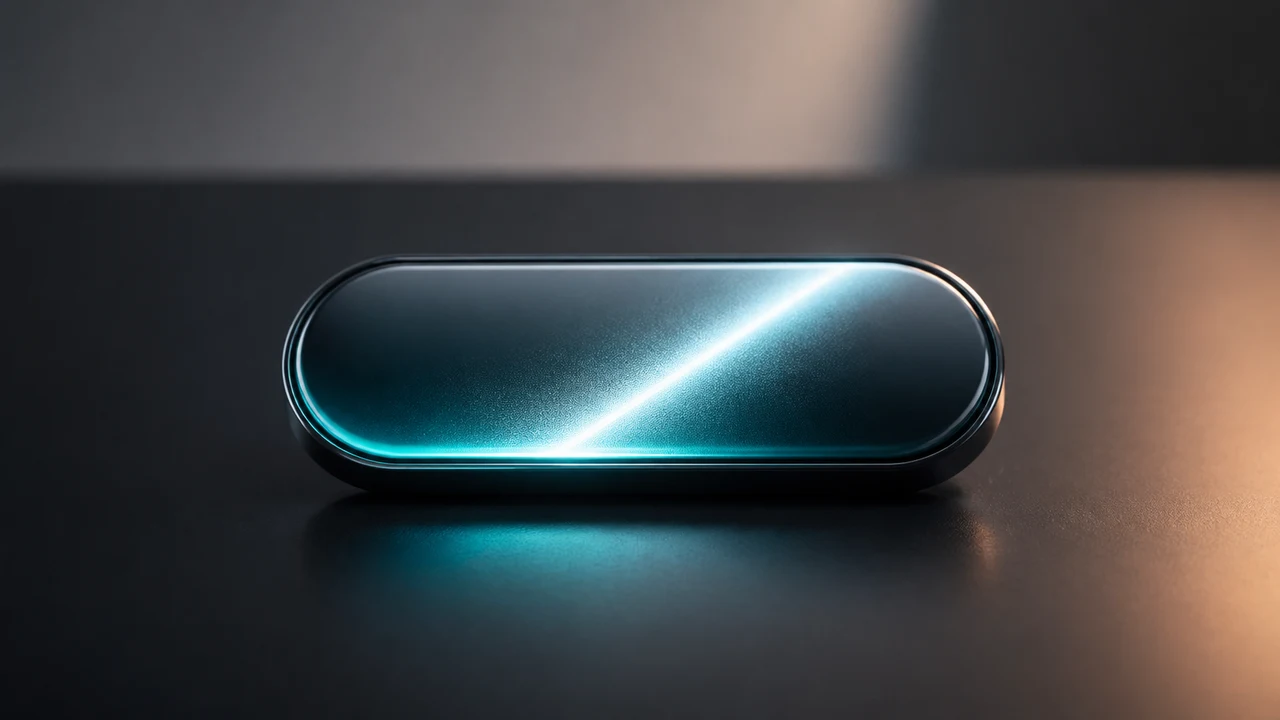
A shimmer button is just a light sweep across a clipped button. The trick is not the gradient. The trick is knowing when to create it, when to ignore extra triggers, and when to clean it up.
We should create the shimmer only when the button is hovered or focused, let one shimmer finish before starting another, and remove the shimmer element when the animation is done.
The Result
Hover the button, or tab to it with the keyboard.
Shimmer Button
<button class="buyButton" type="button" data-shimmer-button>Buy Now</button>.buyButton {
position: relative;
display: block;
overflow: hidden;
padding: 1rem 3rem;
border: 0;
border-radius: 1000px;
background:
radial-gradient(
circle at 50% 0%,
oklch(0.5 0.15 165 / 0) 0% 60%,
oklch(0.5 0.15 165 / 0.125) 70%,
oklch(0.5 0.15 165 / 0.325) 80%,
oklch(0.5 0.15 165 / 0) 100%
),
linear-gradient(
to top,
oklch(0.6 0.19 164),
oklch(0.9 0.2 182)
);
box-shadow:
inset 0 -1px 2px hsl(175deg 100% 20% / 0.5),
inset 0 -3px 6px hsl(175deg 100% 20% / 0.4),
inset 0 5px 5px hsl(175deg 100% 90% / 0.75),
0 16px 30px hsl(175deg 100% 20% / 0.22);
color: hsl(175deg 100% 12%);
cursor: pointer;
font-weight: 700;
}
.buyButton:focus-visible {
outline: 3px solid hsl(180deg 100% 80% / 0.75);
outline-offset: 4px;
}
.shimmer {
position: absolute;
inset: 0;
background: linear-gradient(
to right,
transparent,
hsl(180deg 100% 90% / 0.85),
transparent
);
pointer-events: none;
transform: translateX(-100%);
animation: shimmer-sweep 800ms ease-out forwards;
}
@keyframes shimmer-sweep {
to {
transform: translateX(100%);
}
}
@media (prefers-reduced-motion: reduce) {
.shimmer {
display: none;
}
}const btn = document.querySelector("[data-shimmer-button]");
function clearShimmer(shimmer) {
shimmer.remove();
delete btn.dataset.shimmering;
}
function generateShimmer() {
if (btn.dataset.shimmering === "true") {
return;
}
if (window.matchMedia("(prefers-reduced-motion: reduce)").matches) {
return;
}
const shimmer = document.createElement("span");
shimmer.classList.add("shimmer");
btn.dataset.shimmering = "true";
btn.appendChild(shimmer);
shimmer.addEventListener("animationend", () => {
clearShimmer(shimmer);
}, { once: true });
}
btn.addEventListener("mouseenter", generateShimmer);
btn.addEventListener("focus", generateShimmer);What We Need
The button needs four pieces:
- A real
<button>so clicks, focus, and keyboard behavior work without extra code. position: relativeandoverflow: hiddenso the shimmer can move inside the pill shape.- A generated
.shimmerelement that runs one animation and then disappears. - A small JavaScript guard so repeated hover or focus events do not pile up extra shimmer elements.
The markup stays boring on purpose:
<button class="buyButton" type="button" data-shimmer-button>Buy Now</button>
The Button Shell
Start with the button itself. The important properties are not the colors. They are the layout rules that let the effect work.
.buyButton {
  position: relative;
  overflow: hidden;
  border-radius: 1000px;
}
position: relative gives the shimmer a positioning context. overflow: hidden clips the shimmer to the rounded button.
The Shimmer Layer
The shimmer is a temporary span. It covers the button, starts outside the left edge, and slides across.
.shimmer {
  position: absolute;
  inset: 0;
  pointer-events: none;
  transform: translateX(-100%);
  animation: shimmer-sweep 800ms ease-out forwards;
}

@keyframes shimmer-sweep {
  to {
    transform: translateX(100%);
  }
}
pointer-events: none matters. The shimmer should never steal hover, focus, or click behavior from the button.
The JavaScript Guard
The simple version appends a new shimmer on every mouseenter. That works once, then gets messy if the pointer moves in and out quickly.
Instead, mark the button while the shimmer is running:
if (btn.dataset.shimmering === "true") {
  return;
}

btn.dataset.shimmering = "true";
Then clean up after the animation:
shimmer.addEventListener("animationend", () => {
  shimmer.remove();
  delete btn.dataset.shimmering;
}, { once: true });
Hover And Focus
Hover is not enough. Keyboard users should get the same effect when the button receives focus.
btn.addEventListener("mouseenter", generateShimmer);
btn.addEventListener("focus", generateShimmer);
That is the whole pattern: create the effect on demand, let one run at a time, and remove it when it is done.